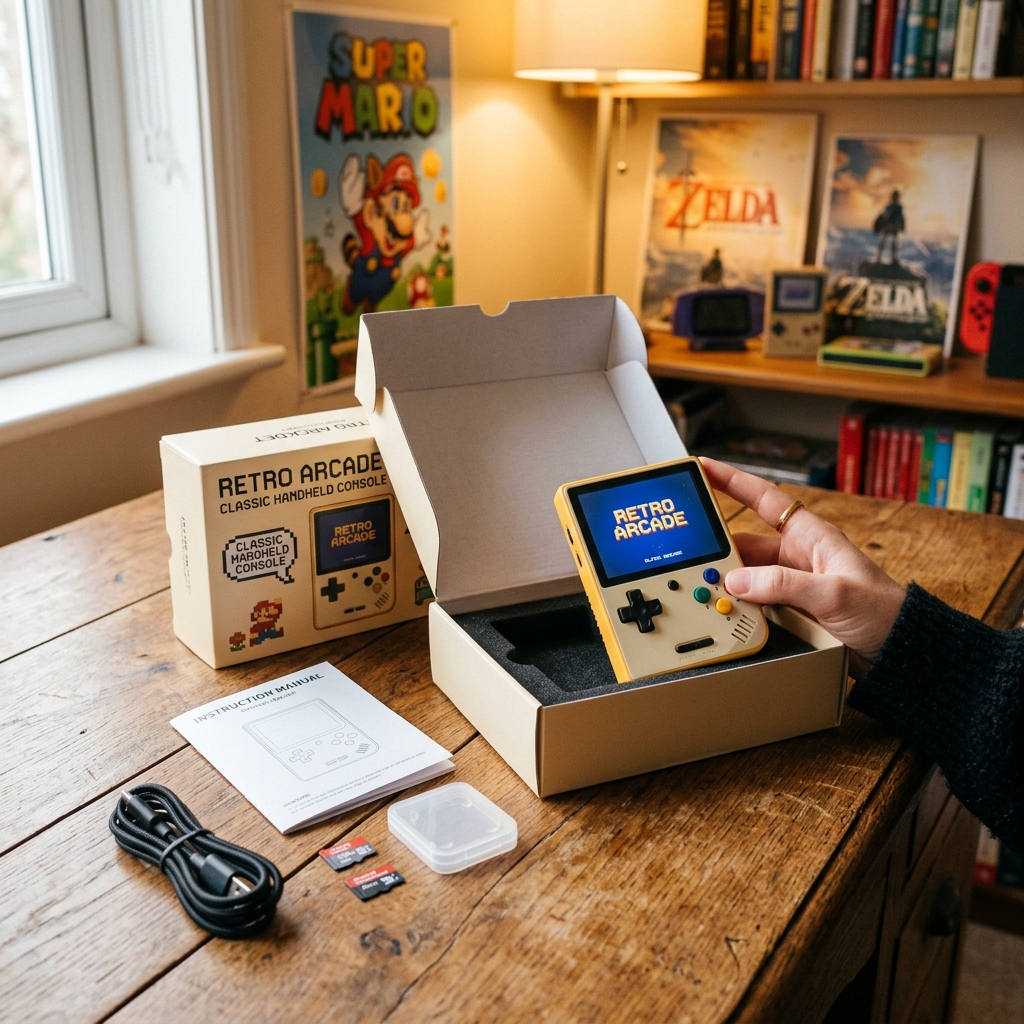
Getting Started with Your R36H
Congratulations on your new R36H! This guide will take you from unboxing to playing your first retro game in under 5 minutes.
📦 Step 1: Unboxing
Inside your R36H box you'll find:
- R36H Handheld Console
- 128GB microSD card (pre-loaded with 15,000+ games)
- USB-C charging cable
- User manual
- Screen protector
⚠️ First Thing: Replace the Stock SD Card
The included microSD card is functional but low-quality. We strongly recommend backing up its contents and cloning it to a SanDisk Ultra or Samsung EVO Select card as soon as possible. See our SD card guide.
🔋 Step 2: Charge It Up
Connect the USB-C cable to charge your R36H. A full charge from 0% takes about 2 hours. The LED will turn green when fully charged. You can play while charging.
💾 Step 3: Insert the SD Card
Insert the pre-loaded microSD card into the TF1 (System) slot located on the side of the device. This is the slot closest to the top of the console.
⚡ Step 4: Power On
- Hold the Power button for 3 seconds
- Wait for the boot animation to complete (15–30 seconds)
- You'll see the game menu with platforms listed: NES, SNES, GBA, PS1, etc.
🎮 Step 5: Play Your First Game!
- Use the D-pad to navigate to a platform (e.g., "SNES")
- Press A to open the game list
- Scroll to a game and press A again to launch
- The game loads in seconds — start playing!
🎯 Button Layout
| Button | Function |
|---|---|
| D-Pad | Navigate menus, movement in games |
| A / B / X / Y | Action buttons (mapped per game) |
| Left Analog | Movement (for 3D games like PS1/N64) |
| Right Analog | Camera control (select games) |
| L1 / R1 | Shoulder buttons |
| L2 / R2 | Rear triggers |
| Start | Start / Pause game |
| Select | Select / Hotkey modifier |
| Power (hold) | Turn on / off |
⌨️ Essential Hotkeys
- Select + Start — Exit current game
- Select + R1 — Quick save state
- Select + L1 — Quick load state
- Select + R2 — Fast forward
- Select + B — Open RetroArch menu
🚀 Next Steps
Now that you're up and running, here's what we recommend:
- Upgrade your firmware — Install ArkOS for a dramatically better experience
- Replace the SD card — Get a quality SanDisk or Samsung card
- Explore the best games — Our curated top 50 list per platform